Type C USB Cable

First 12 Last 1/2

What is a Type C USB Cable


USB-C, or USB Type-C, is a connector that can carry audio and/or video data, transfer data, and provide/receive power. It is a connection type standard that is designed to replace all USB types on the computer and device ends of future USB with a single reversible connector. USB-C allows for peripheral connectivity of USB devices at speeds power outputs of USB 3.1 (up to 10Gbps and 20v @ 5A).

Advantages of Type C USB Cable


Wireless Fast Car Mount Charger Holoder

Faster Charging Speed

The USB-C interface supports higher power transmission, thus enabling faster charging speeds. This is very important for those who need to quickly charge their mobile devices while driving. Fast charging means that you can quickly restore the power of your device without being troubled by low battery levels.

 
Magnetic Lightning Cable

Reversible Plug

The reversible plug design of the USB-C interface makes charging more convenient. You no longer need to worry about plugging in the reverse charger, just plug it in, which reduces operational difficulties.
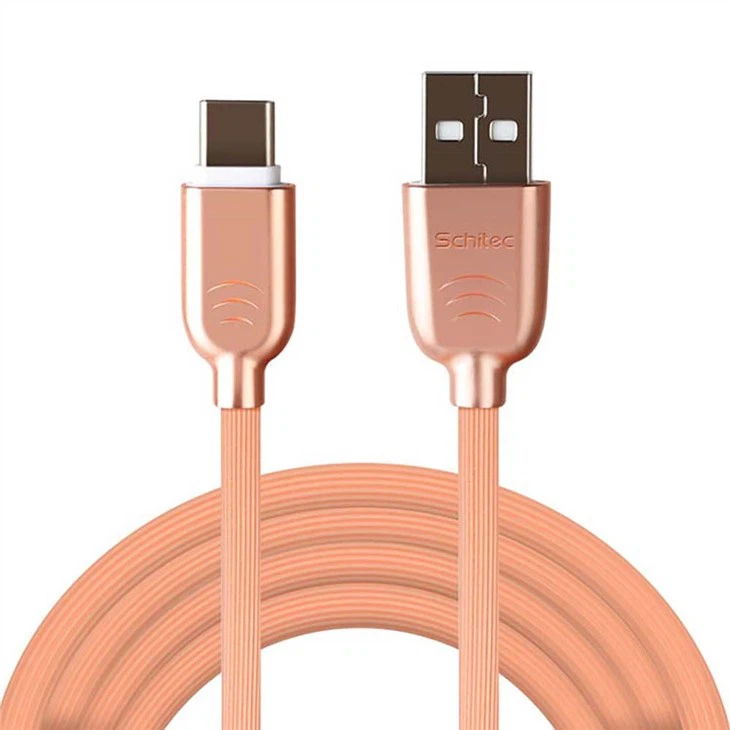
 
Type C USB 1M Charge Power Data Cable for Android Phones

Faster Data Transfer Speed

The type C USB cable interface is not only used for charging, but also for data transmission. It supports higher data transfer speeds, allowing for faster transfer of files and data. This is particularly important for people who need to transfer files in the vehicle.
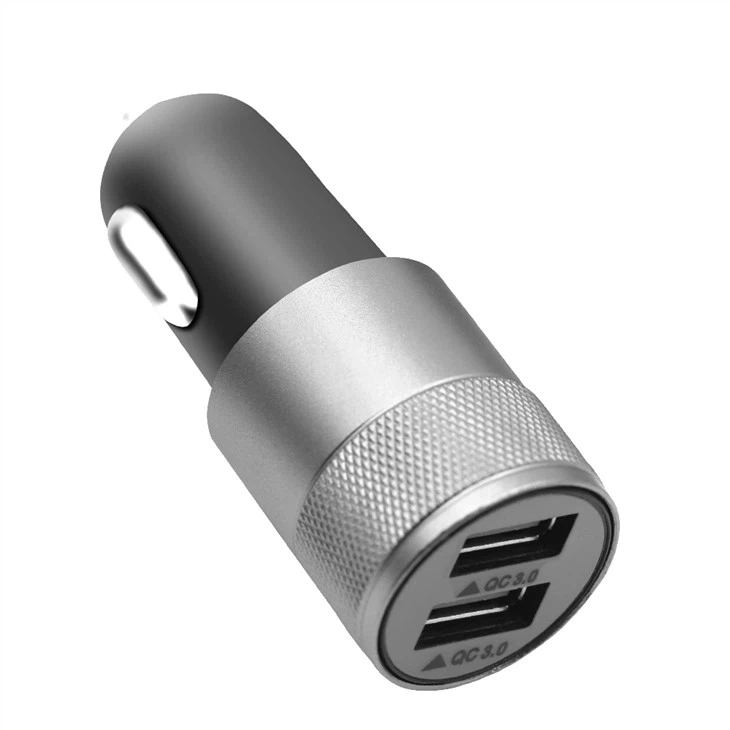
 
Portable Dual Usb Car Charger For Smart Device Charging

Multipurpose

The USB-C interface is versatile and can be used to connect various devices, including smartphones, tablets, laptops, chargers, external storage devices, etc. This universality makes USB-C a very convenient interface.



Features of Type C USB Cable
10000mah 2 USB Port Wireless Power Bank
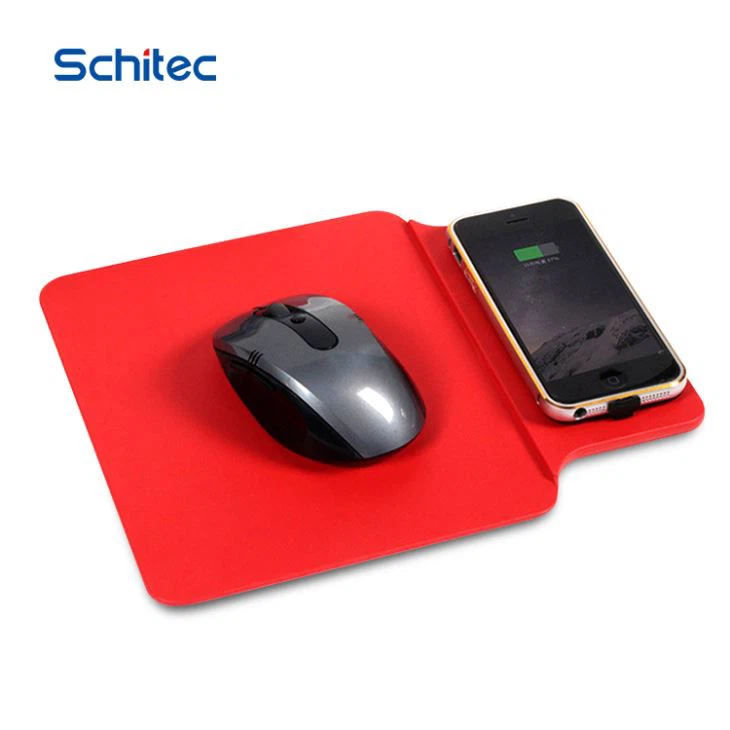
Good Gift Mouse Pad Wireless Charger For Event
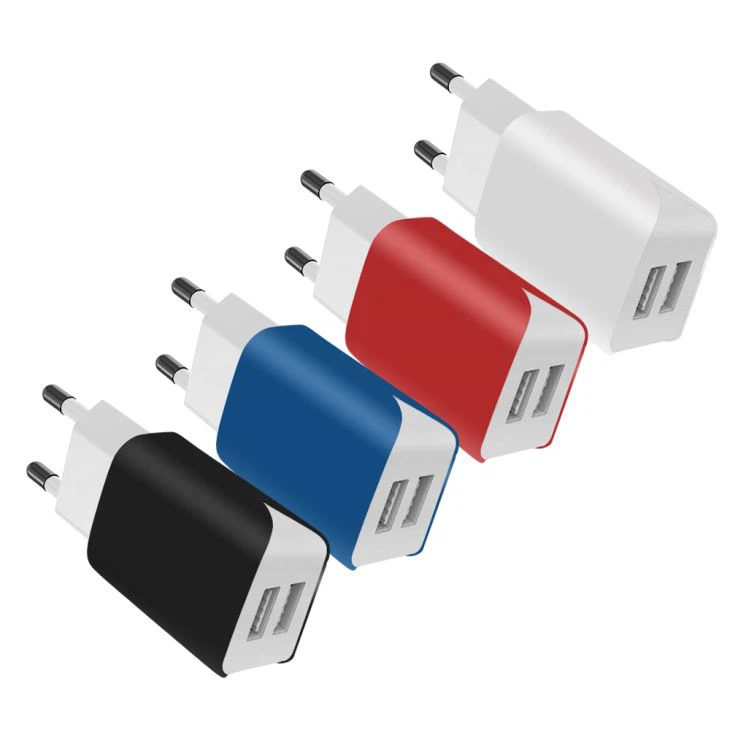
5V 2.4A Universal Portable USB Travel Charger for Europe
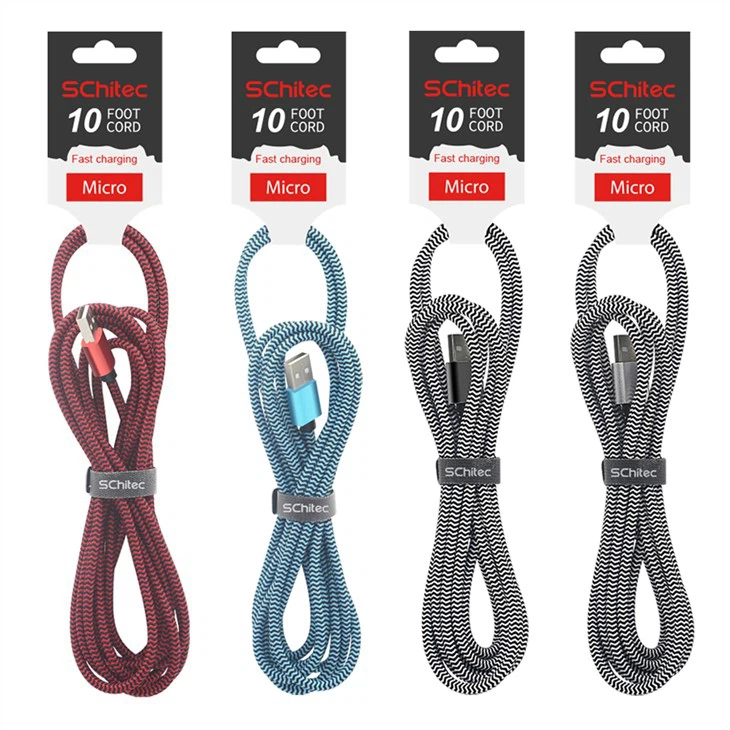
High Quality Speed Aluminum 1m 2m 3m Sync Two Sided Micro Charging USB Datum Cable Charger Rohs

Reversible Connector
USB-C connectors are reversible, which is one of the most significant advantages of this connector type over the A and B connectors. Unlike USB Type-A and USB Type-B connectors, which must be inserted in a particular orientation, the USB-C connector is fully reversible and can be inserted into a port from either side, as a result of the symmetry of its oblong-shaped connector head and the pin configuration within it. No need to flip your USB connector three times before finding the correct orientation. You only need to insert it once, and it works immediately. Also, unlike previous specifications, which needed a USB host and a USB device, USB-C to USB-C cables can transfer data and power both ways. This adds a new level of convenience and ease of use to the USB interface.
High-Speed Data Transfer
With the USB4 2.0 specification, USB-C can send files at a delivery rate of up to 80Gbps. More commonly, USB-C uses the 3.2 Gen 1 transfer standard, capable of a respectable single-lane delivery rate of 5Gbps. The 3.2 Gen 2 transfer standard provides an even more impressive 10Gbps transfer rate. Dual-lane operation offers even faster transfer rates. This high transfer rate is handy in file delivery systems and can save crucial time, especially in corporate settings.
Power Delivery
The Power Delivery specification was introduced on request by PC manufacturers who needed more power throughput from USB connectors.The Power Delivery protocol makes the most of the USB-C port and can supply up to 100 watts of power (20V/5A) using technology both inside and outside. One hundred watts may not seem like much, but you should note that most laptops can be recharged using a charger with 45-65W power.
Alternate Modes
USB-C is not just limited to data transfer. It can also be used for video, audio, and power transmission. USB-C supports various alternate modes that allow the use of non-USB protocols over the USB-C cable and connector. Supported non-USB protocols include HDMI, DisplayPort, Thunderbolt, MHL, and analog audio. This allows devices to use a single USB-C port for multiple purposes, such as charging, video output, and audio output, which can simplify device design and improve ease of use.
Compact Size
Type-C connectors offer essential benefits, especially in terms of portability and compactness. This connector is perfect for today's ultraportable computers and smartphones due to its small size and versatile nature. This allows manufacturers to make ergonomic and easy-to-use devices without cutting out functionality.


Key Benefits of Type C USB Cable

Fast Charging
Another key feature that attracts many users to the USB-C is the Power Delivery Charging (PD Charging). It is a technology that enables super-fast charging for some devices.
More powerful
USB-C can provide up to 100W of power to attached devices. That's easily enough to charge (almost) any laptop, smartphone or tablet. The new format can also deliver 4K video to monitors and carry audio too.
More compact
The smaller size and flexibility of the ports mean they are now the staple fitting on ultra-slim laptops and Android smartphones.

More flexible

This versatile nature opens up a number of useful real-world scenarios. For instance, a user could plug their USB-C equipped laptop into a powered external display such as LG's 27-inch 4K 27UD88-W and have the PC charge while simultaneously sending video content.

Independence

USB Type C is found in almost all devices. It is not required to use the USB Type C cable charger of that specific device. It is also possible to use a charger from a different manufacturer. If both laptops have USB Type C, then any USB Type C charger will work.

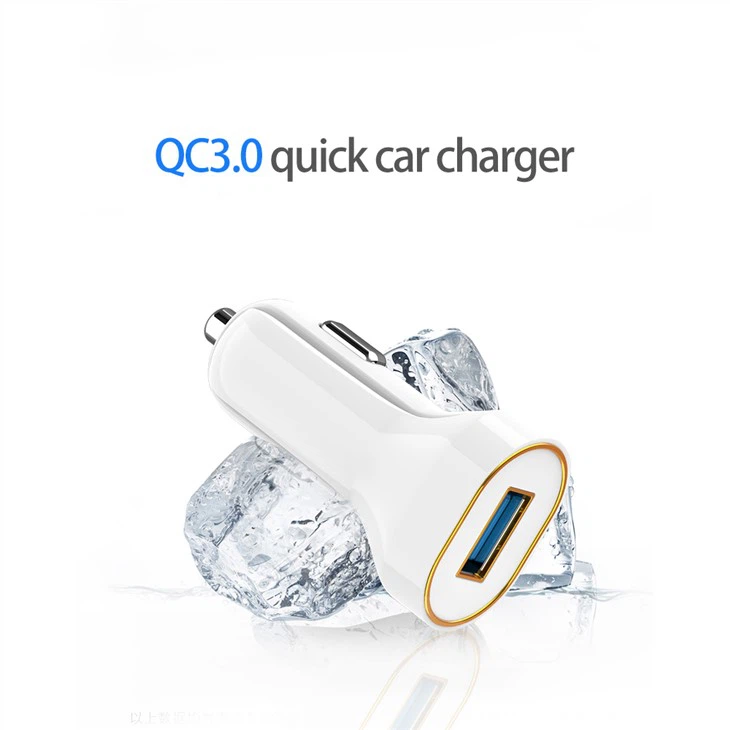
Mini 18W Fast Car Charger USB C Adapter

Future-proof

Since the USB-C is one of the latest iterations of the USB cable family, it made it a point to help users future-proof their connections. For starters, the USB-C port adopts USB 3.1 and USB 3.2. As a result, it comes with the same data transfer rates and higher bandwidths as the USB 3.1 and 3.2.

The Universal Connector

With the USB-C features, USB-C advantages of this USB cable, it is likely en route to becoming a universal connector.


Our Certificates

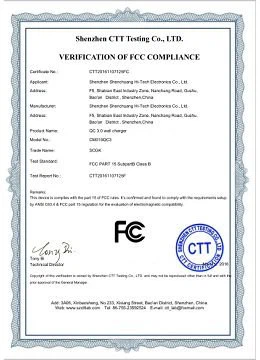
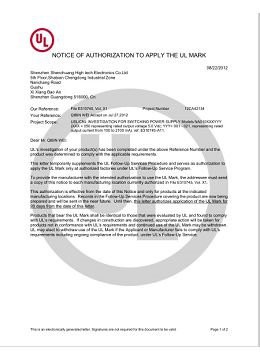
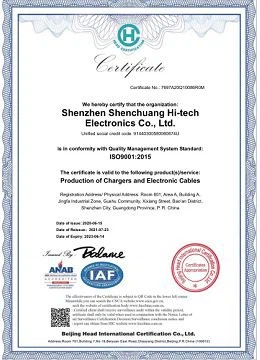
ISO,BSCI MFI certified factory With FCC CE UL ETL UKCA PSE SAA ROHS,CB certificates.
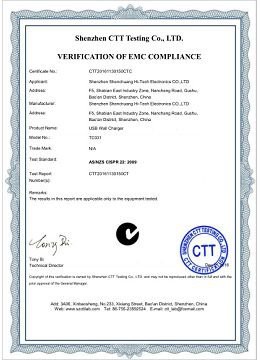
 

image001
image003
image005
image007
image009
image011
image013
CE


Our Partners

Within 15 years,we served lots of customers all over the world like above.

productcate-1-1
productcate-1-1
productcate-1-1
productcate-1-1


Rich ODM Experience
 

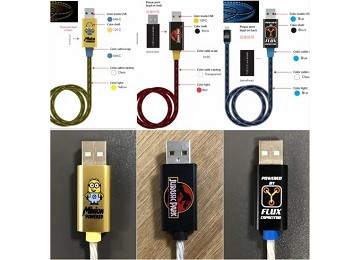
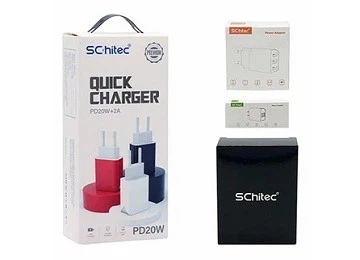
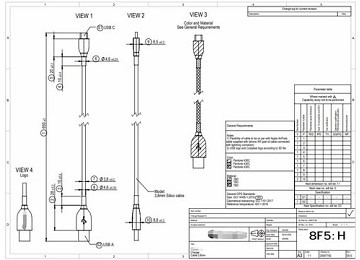
Various types of chargers and cables can be customized to meet customers' needs including Logo printing, package customization.
productcate-360-260
productcate-360-260
productcate-360-260


Frequently Asked Questions


Q: What is the difference between USB and USB Type-C?

A: USB-C is more compact than its predecessors, reversible in connectivity (vertical orientation doesn't matter for a USB-C connection), and compatible with a number of connection types like USB-A, HDMI, Thunderbolt™ 3, etc. Also, due to power delivery support, charging capabilities and transfer speeds are faster.

Q: What devices use USB Type-C?

A: You can find USB-C on many devices, from PCs to phones and tablets. Smartphones have adopted USB-C as the standard charging port. Other contemporary devices such as digital cameras, external hard drives, Bluetooth speakers, and even TVs come with USB-C ports, allowing users to easily connect their devices in no time.

Q: What is A USB-C cable look like?

A: The USB-C cable head is smaller than before, and looks a bit like a Micro-USB connector. Eventually this is the USB connector you'll use with your devices instead of using your existing USB-A, Micro-B, USB-Mini, or Lightning cable.

Q: Does iPhone use USB Type-C?

A: iPhone 15 models have a USB-C connector, which allows you to charge and connect to a variety of devices, including Mac, iPad, AirPods Pro (2nd generation), external storage devices, and displays.

Q: Is USB 2.0 the same as USB-C?

A: USB type C is a physical interface specification as where USB 2.0 is a protocol specification, so technically it would be possible to run USB 2.0 over USB type C (the terminology is very confusing).

Q: Which is faster USB or C?

A: USB 3.1 Type-C delivers a 10Gbps data transfer rate. This makes it more than 20 times faster than USB 2.0 and twice as fast as USB 3.0. It is also faster than the 6.0Gbps rate of the SATA III standard, allowing external hard drives to exceed the current speed of internal drives!

Q: Which is faster C type or USB?

A: A USB-C connection can charge devices up to 20 times faster than basic USB. USB-C ports support USB Power Delivery, a fast-charging standard that can deliver 100 watts of power to compatible devices. Charging speeds depend on the USB protocol built into the device you're charging.

Q: What does a USB-C port look like on a laptop?

A: The USB-C connector looks similar to a micro USB connector at first glance. But if you look closer, you will see it's more oval in shape and slightly thicker to accommodate its best feature: flippability.

Q: Does Android use USB-C?

A: Android tablets also use Micro USB but often have a separate port for their own power adapter. Starting with phone models such as Samsung's Galaxy S8, USB-C replaced Micro USB.

Q: Is USB-C same as Lightning?

A: USB-C: USB-C supports faster data transfer speeds than Lightning. The latest USB-C technology, such as USB 3.1 and USB 4, can offer data rates of up to 40Gbps, making it ideal for transferring large files quickly. Lightning: Lightning connectors, while efficient, can't match the data transfer speeds of USB-C.

Q: What makes USB-C special?

A: USB-C is more compact than its predecessors, reversible in connectivity (vertical orientation doesn't matter for a USB-C connection), and compatible with a number of connection types like USB-A, HDMI, Thunderbolt™ 3, etc. Also, due to power delivery support, charging capabilities and transfer speeds are faster.

Q: What is the function of USB Type-C cable?

A: USB-C allows for peripheral connectivity of USB devices at speeds power outputs of USB 3.1 (up to 10Gbps and 20v @ 5A). This capacity is enough to provide 100w, adequate power for the majority of laptops while also supporting thinner, smaller devices.

Q: What is one advantage of using USB Type-C over other types?

A: The key features and benefits of USB-C include a reversible connector that you can insert in either orientation. It also allows some cables to have the same connector on both ends for connecting between devices and connecting devices to chargers, unlike most earlier USB and Lightning cables.

Q: Do I need a special cable for USB-C?

A: All USB-C cables must be able to carry a minimum of 3A current (at 20V, 60W). But for high-power 20V/5A (100W) charging, you need a 5A-rated USB-C to USB-C cable that contains E-Marker chip to identify the cable and its current capabilities. Or a Thunderbolt 3 cable that supports 5A/20V (100W) charging.

Q: What is the difference between USB Type-A and USB Type-C?

A: USB Type-A is the current connector type that is primarily used on most USB devices. USB Type-C is the new connector type. Due to the difference in connector shape, they are not compatible with each other. You need an appropriate adapter or converter for this. USB Type-C has a reversible connector and is capable of Data, Video, and Power transmission along the same cable.

Q: What type of devices use USB Type-C?

A: All standard devices like Tablets, Mobile devices, accessories, Audio or Video adapters, External Hard Disk Drives, and Monitors.

Q: How fast is USB Type-C compared to previous versions of USB, Serial-ATA, or Thunderbolt?

A: USB Type-C is a new type of connector. Depending on the device type and the protocols that are implemented, faster data transfer can be achieved.

Q: What is the disadvantages of USB Type-C?

A: USB-C is not as widely adopted as expected due to factors such as higher prices, lack of appeal to some users, and resistance to change. Lack of standardization makes it confusing to understand the capabilities of USB-C, as it can vary in terms of data transfer rates, power delivery, and alternate modes.

Q: What is the point of USB-C cable?

A: USB-C, or USB Type-C, is a connector (not a protocol) that supersedes previous USB connectors and can carry audio and/or video data, e.g. to drive multiple displays, or transfer data, e.g. to store a backup to an external drive, and providing/receiving power, such as to power a laptop or a mobile phone.

Q: Is USB-C actually better?

A: USB-C is just faster and more reliable too. It transmits more data and power across a broader range of devices than Lightning. Lightning could only transmit 480 Mbps, while USB-C can go to 40 Gbps-almost 85 times faster data transfer. Lightning could only carry a maximum of 20W, while USB-C can handle 240W.

We're well-known as one of the leading type c usb cable manufacturers and suppliers in China. Please feel free to wholesale high quality type c usb cable made in China here from our factory. Contact us for more details.

(0/10)

clearall